A Review of Apps and Devices That Empower Learning
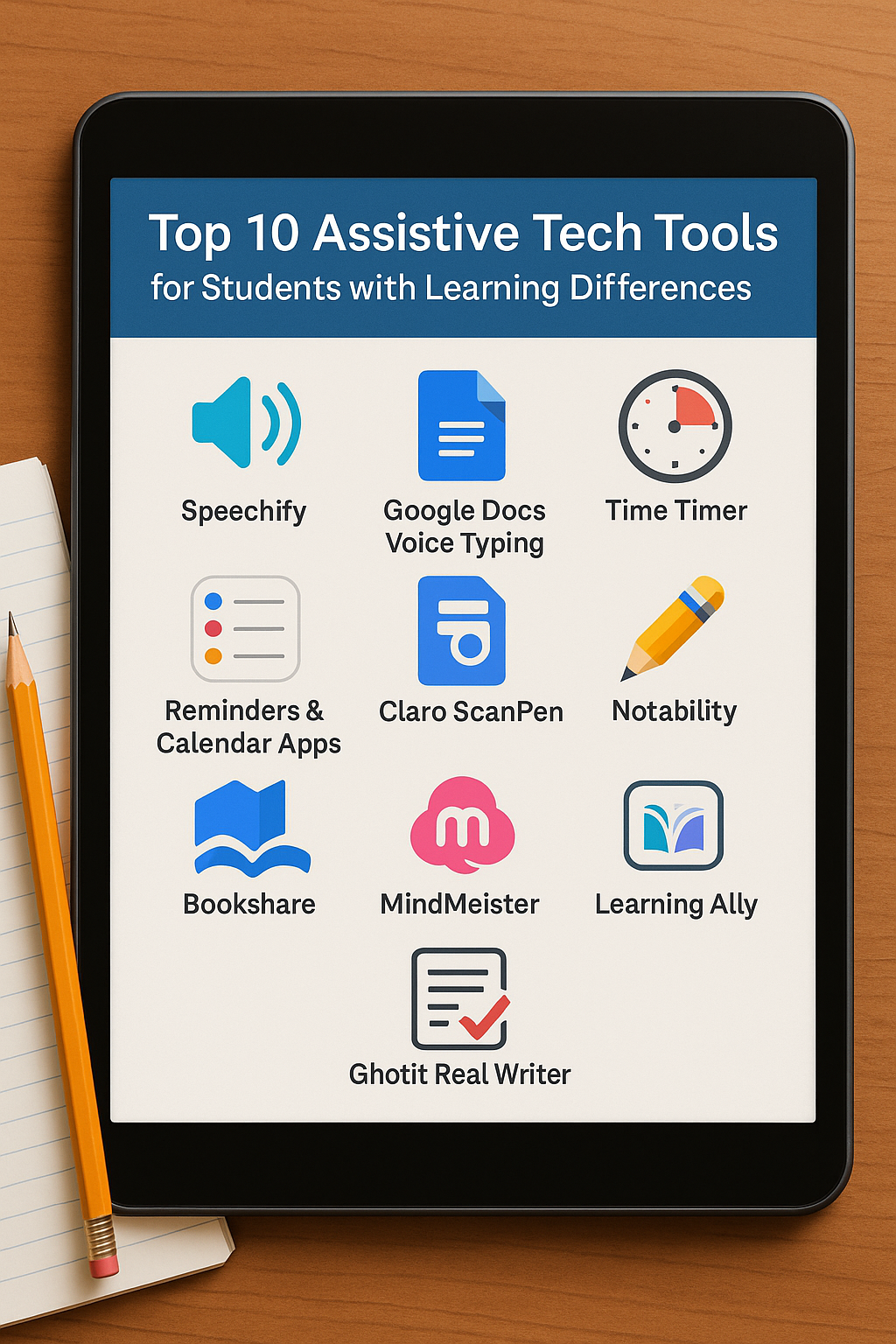
For students with learning differences like dyslexia, ADHD, or executive functioning challenges, the right assistive technology can be a game-changer. These tools don’t replace instruction or support, but they can dramatically improve access, reduce frustration, and build independence. From speech-to-text apps to visual organizers, here are 10 of the most effective assistive tech tools available today.
1. Speechify
(Text-to-Speech App)
Best for: Students with dyslexia or reading fatigue
Platform: iOS, Android, Chrome Extension
Why it works: Speechify converts written text into spoken words, allowing students to listen to textbooks, websites, and documents at their own pace. It offers natural-sounding voices and variable playback speeds.
Bonus: Great for auditory learners and multitasking.
2. Google Docs Voice Typing
(Speech-to-Text Tool)
Best for: Students with writing or motor challenges
Platform: Chrome browser
Why it works: Built right into Google Docs, this free tool lets students dictate their writing instead of typing. It reduces stress for students who struggle with spelling, grammar, or slow handwriting.
Tip: Combine with Grammarly for even better output.
3. Time Timer
(Visual Timer)
Best for: Students with ADHD or executive function challenges
Platform: Physical device, iOS, Android
Why it works: This timer shows time as a red disc that shrinks as time passes—making time feel more concrete and visual. It helps students manage transitions, focus during tasks, and build time-awareness.
Use it for: Homework blocks, breaks, or test-taking.
4. Notability
Best for: Students who need audio support and flexible note-taking
Platform: iOS, Mac
Why it works: Students can type, draw, highlight, and record audio all in one place. Notability syncs recorded audio with written notes—perfect for students who struggle to keep up during lectures.
Great for: High school and college students with dyslexia or ADHD.
5. Reminders & Calendar Apps (Apple Reminders, Google Keep, or Todoist)
Best for: Students who need help organizing tasks
Platform: iOS, Android, web
Why it works: Students can set up daily to-do lists, receive automatic reminders, and break large tasks into manageable steps. Color coding and shared lists add an extra layer of support.
Pro tip: Set location-based reminders for packing backpacks or turning in assignments.
6. Claro ScanPen
Best for: Students with dyslexia or reading comprehension issues
Platform: iOS, Android
Why it works: Scan any physical text using your phone’s camera, and the app will read it aloud. No internet required. It’s especially useful for worksheets, textbooks, or printed handouts.
Useful at: School, home, or during standardized testing (when allowed).
7. Bookshare
Best for: Students who qualify for accessible materials
Platform: Web-based with compatible apps
Why it works: Offers free access to over one million books in audio, large print, and Braille formats. Bookshare is a federally funded resource for students with documented print disabilities.
Note: A school or specialist must verify eligibility.
8. MindMeister
(Mind Mapping Tool)
Best for: Students who struggle with organizing ideas
Platform: Web, iOS, Android
Why it works: Students can visually map out ideas for essays, projects, or studying. It supports visual thinking and helps make abstract connections more concrete.
Best for: Brainstorming, planning, and building confidence in writing.
9. Learning Ally
Best for: Students who need human-narrated audiobooks
Platform: iOS, Android, web
Why it works: Unlike AI readers, Learning Ally uses real people to narrate books—helping students with dyslexia or other reading differences stay engaged. Often used for school-assigned texts.
Bonus: Offers vocabulary and comprehension support built into the app.
10. Ghotit Real Writer
Best for: Students with dyslexia or dysgraphia
Platform: Windows, Mac, iOS
Why it works: Designed specifically for people with severe spelling and grammar challenges, Ghotit uses context-sensitive correction tools that outperform most standard spellcheckers.
Also includes: Word prediction and read-aloud features for better comprehension.
Final Thoughts
Assistive technology can’t “fix” a learning difference—but it can empower students to access their education with greater ease and independence. The best tools are the ones that match your child’s needs, learning style, and age. Don’t be afraid to experiment or involve your school in the selection process—many districts and private schools have tech specialists who can guide implementation and ensure accommodations are aligned with a student’s learning profile.